Folder navigation
Browse like Finder, not like an import queue
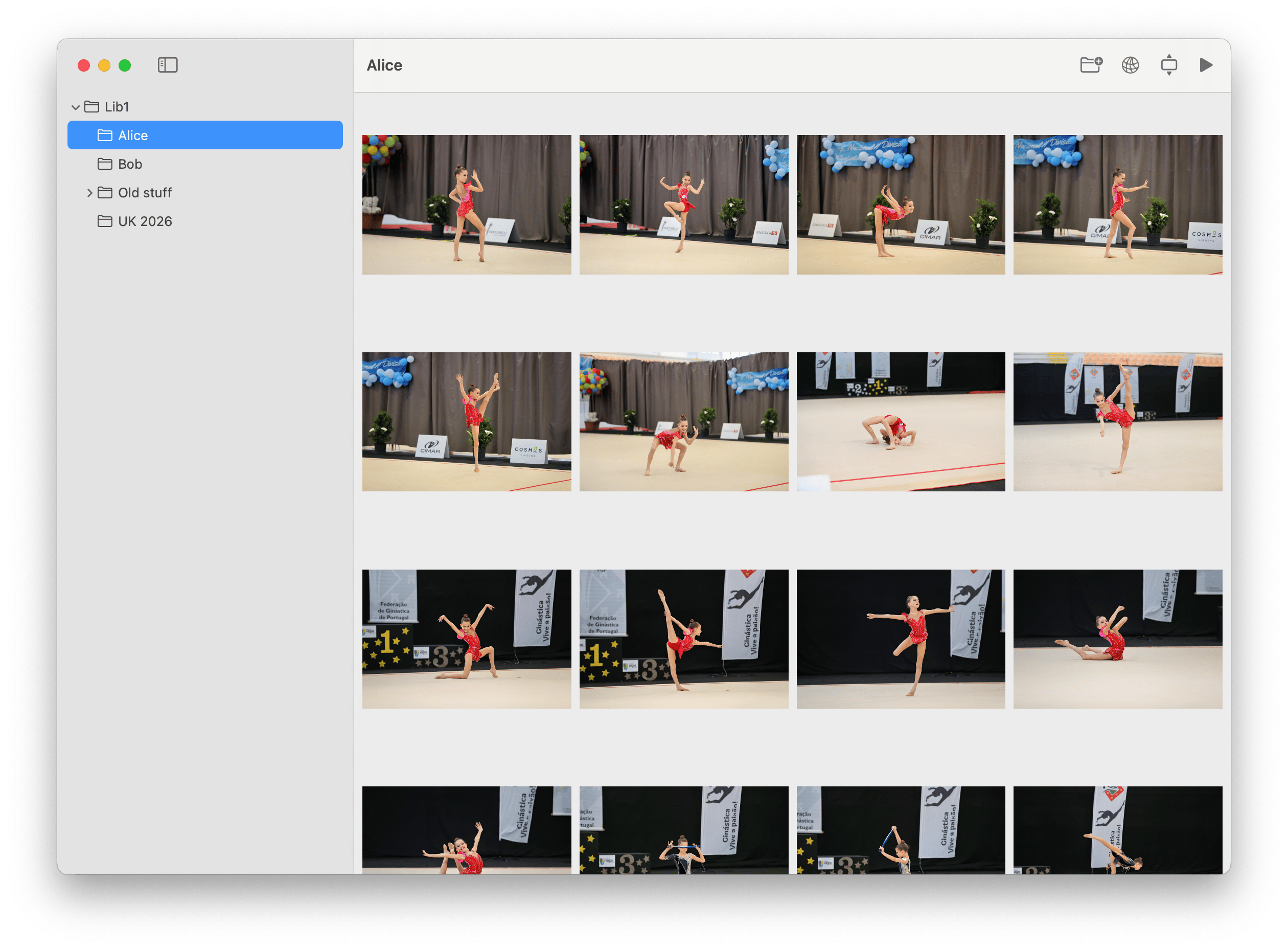
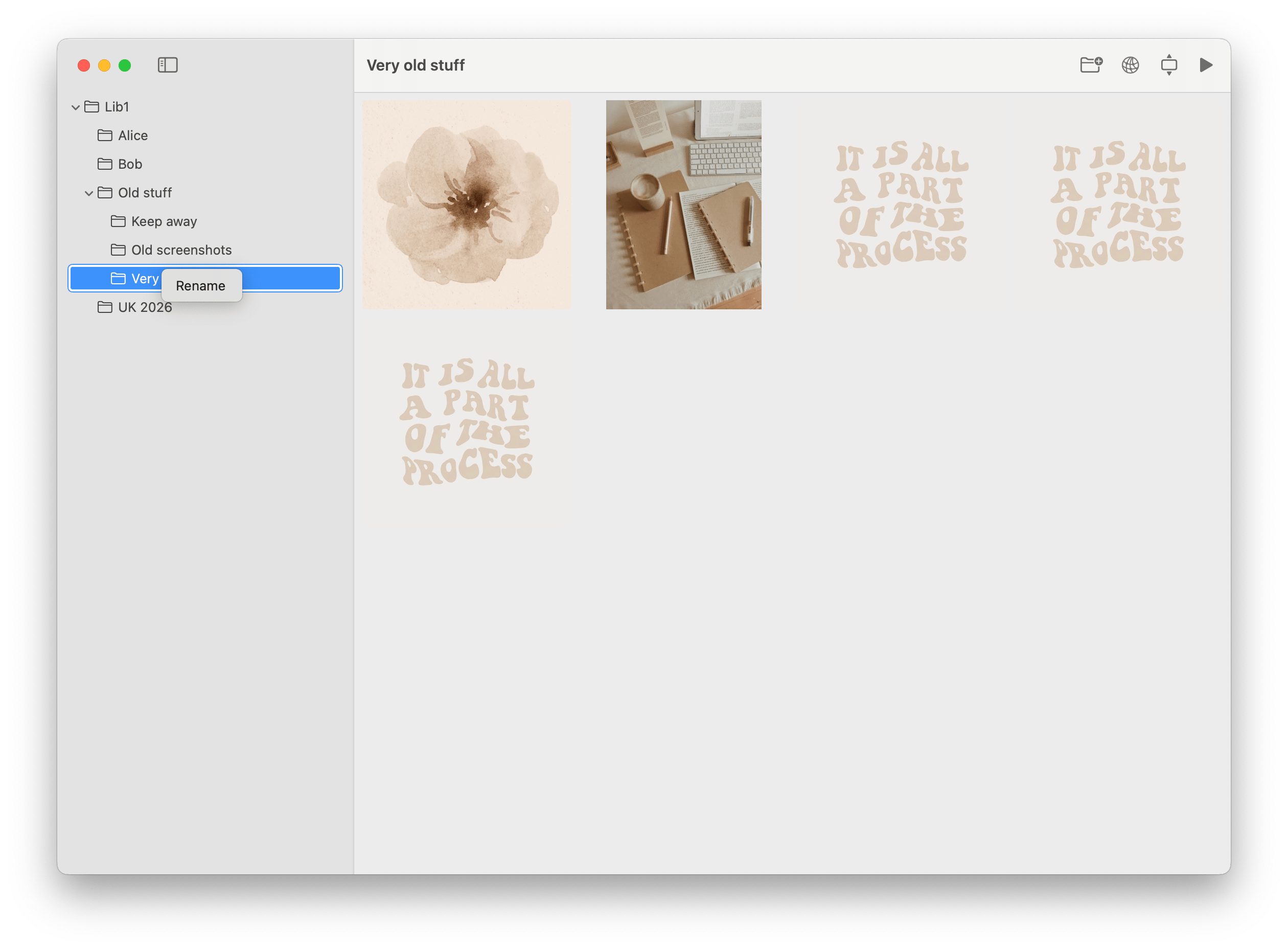
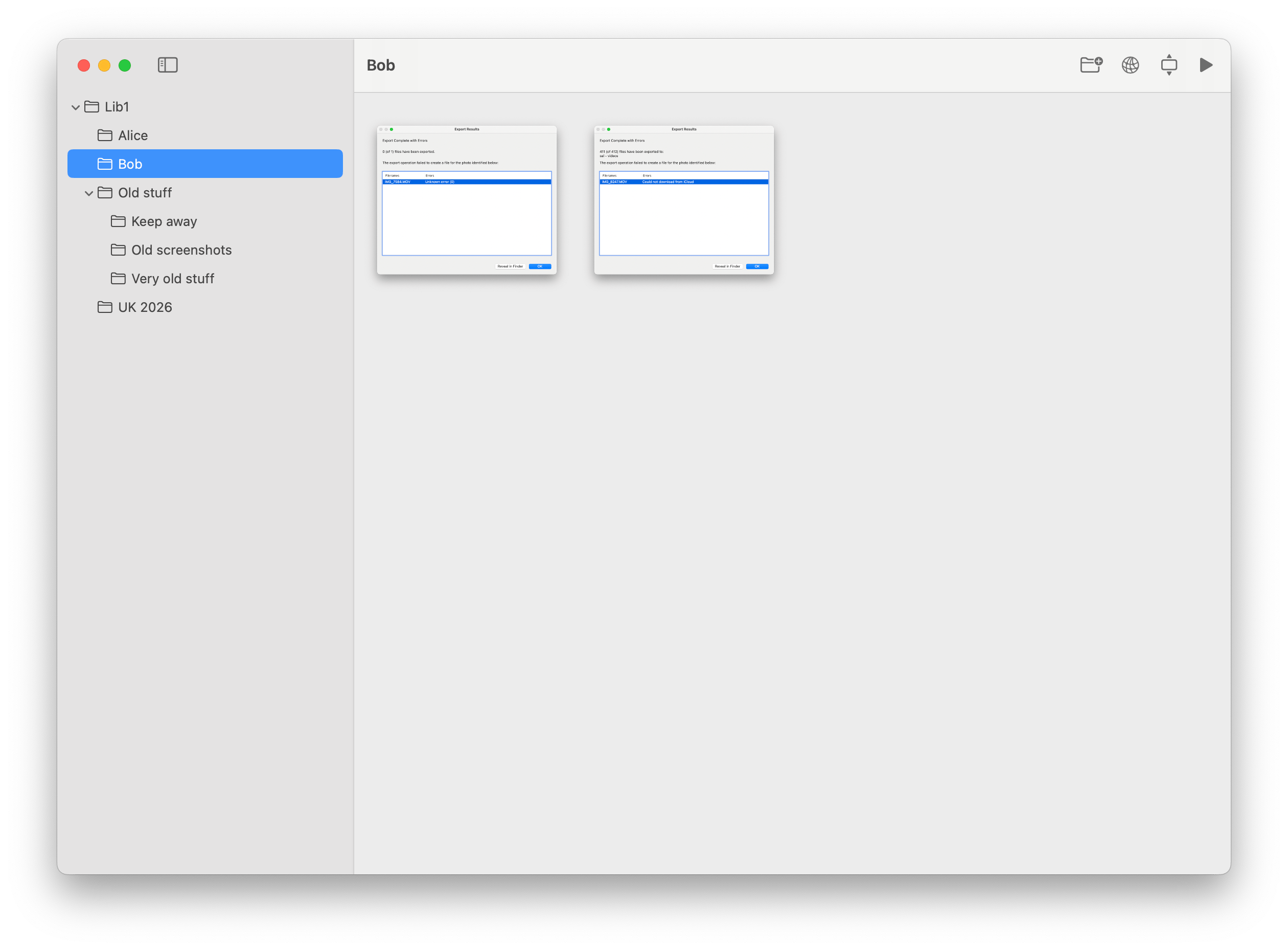
The sidebar mirrors your directory structure and keeps subfolders visible, collapsible, and easy to reorganize.

Photo Shelf
macOS photo browser
Photo Shelf turns any folder into a clean, full-window photo library on macOS. Browse instantly, move through images with the keyboard, manage folders in place, and stream the same library to DLNA devices on your network.
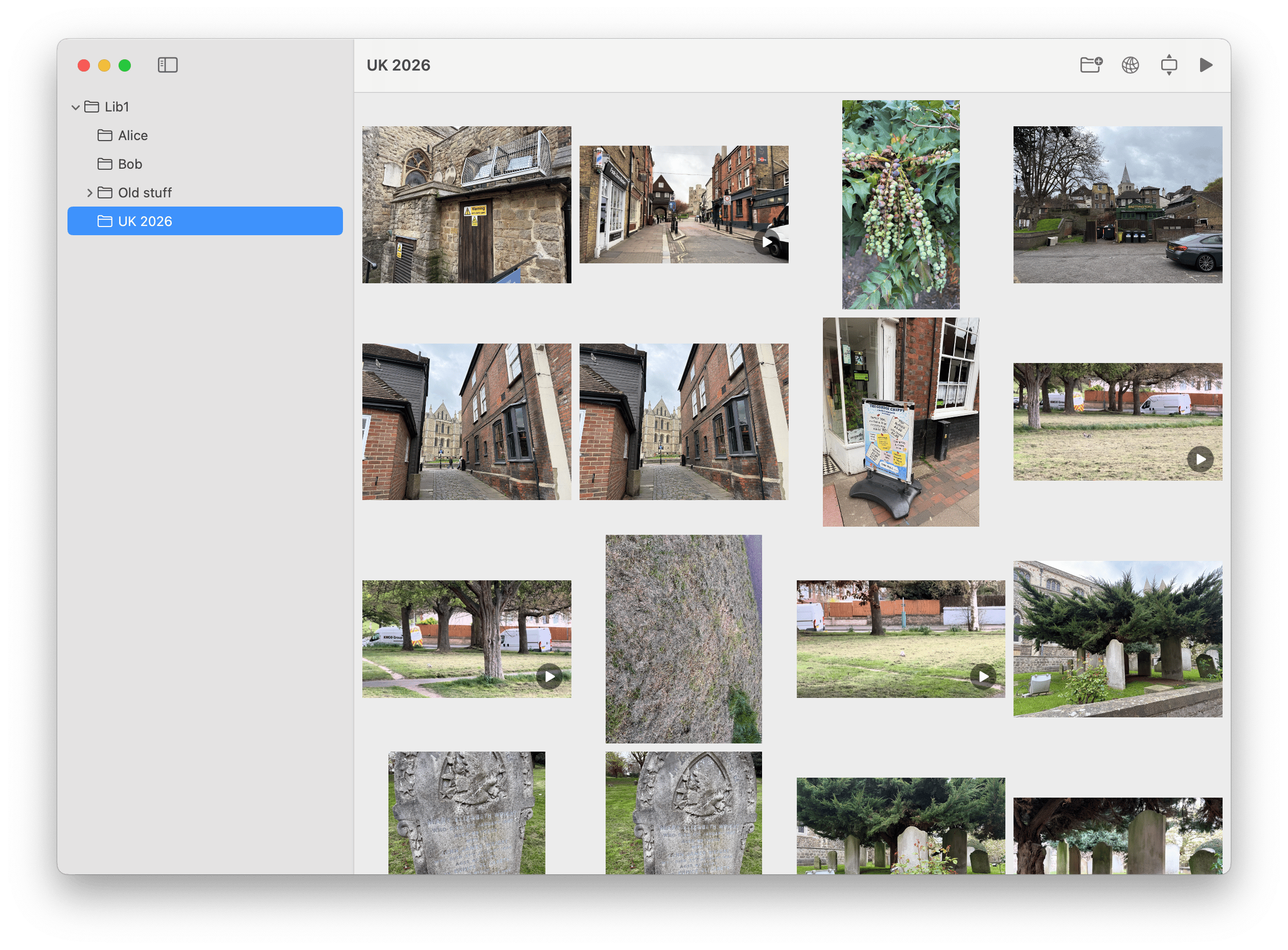
Instant library
Open a folder and browse without importing, indexing, or changing your file structure.
Live updates
Photo Shelf watches the library tree and refreshes when files or folders change.
Why Photo Shelf
The app is based on the repository’s actual capabilities: hierarchical folder navigation, QuickLook thumbnails, keyboard-driven fullscreen viewing, drag and drop file management, and an optional DLNA media server.
Folder navigation
The sidebar mirrors your directory structure and keeps subfolders visible, collapsible, and easy to reorganize.
Photo detail
Open any image or video into a full-window viewer, move with the arrow keys, and jump back to the grid with Escape.
Local streaming
Start the built-in server and compatible TVs, media players, and apps on your network can discover and stream your media.
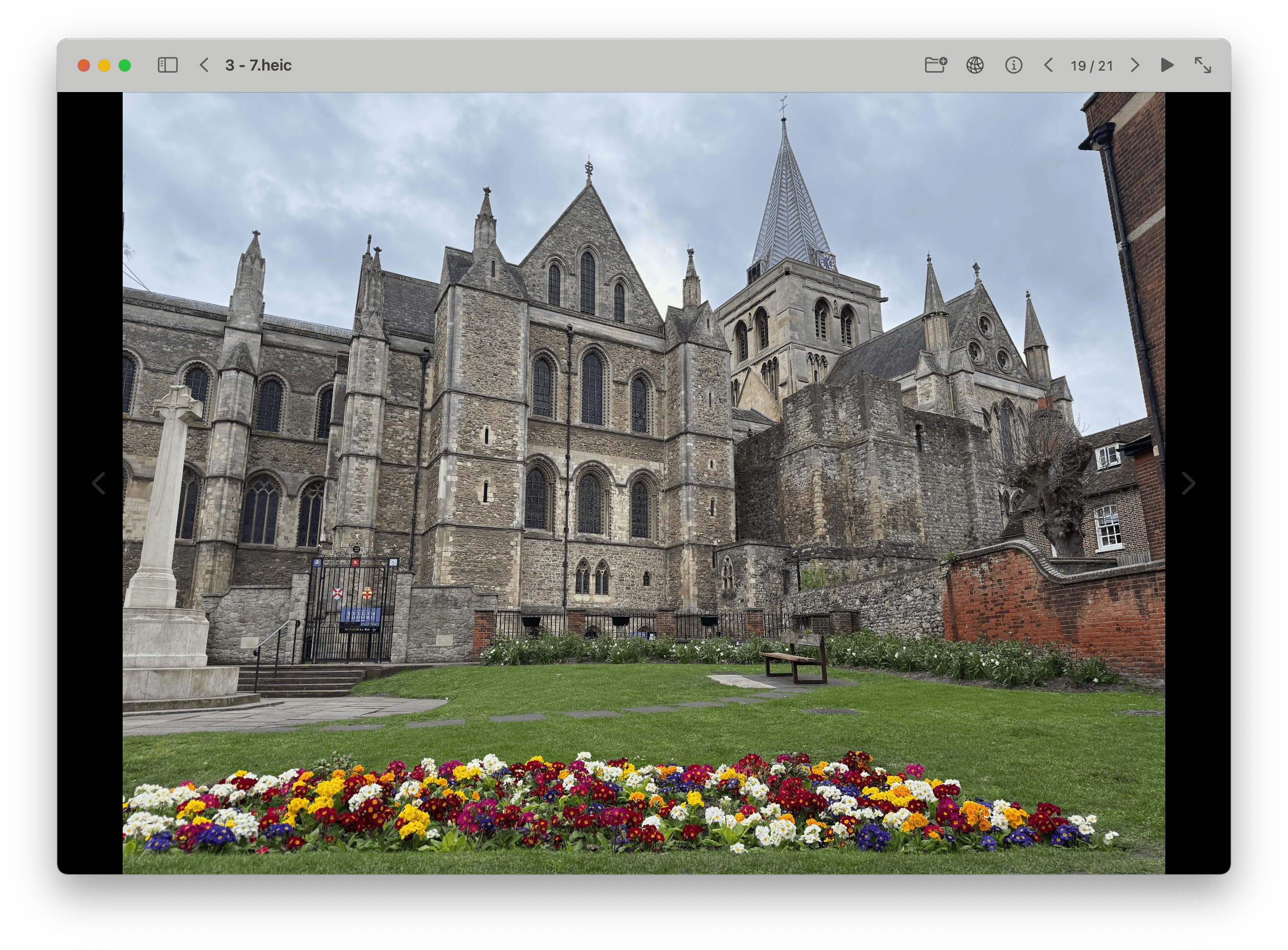
Immersive viewing
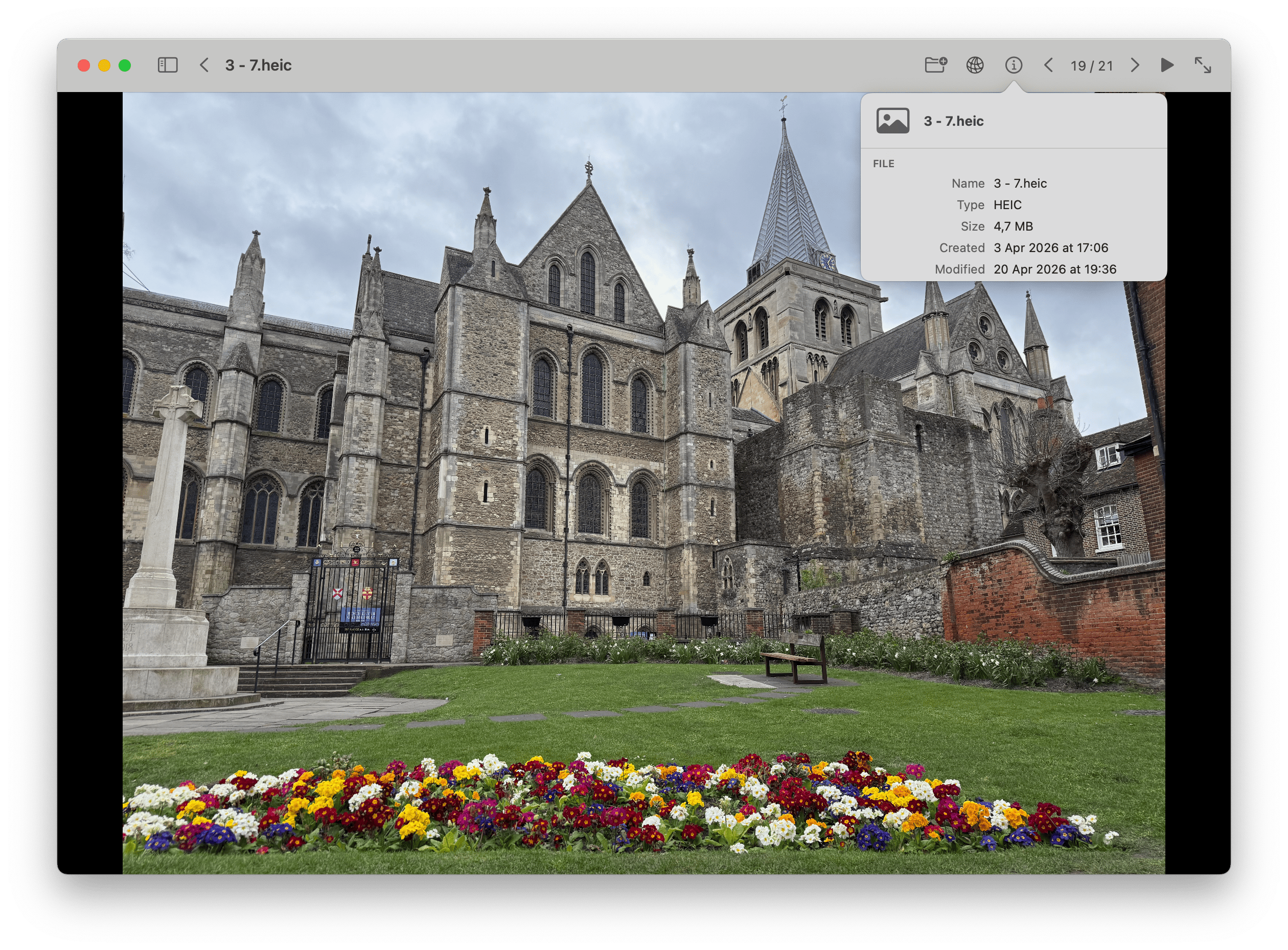
The viewer fills the window for photos and videos, keeping the experience focused and lightweight. The repository also shows support for metadata popovers and inline AVPlayer playback.
Keyboard flow
Left and right arrows move between media. Escape returns to the grid.
Mixed media
Photos and videos live in the same browser instead of separate tools.
Workflow
Open any photo folder
Choose a directory from the toolbar, drag it onto the window, or open it from the dock.
Browse and manage in place
Navigate subfolders, drop files into the grid or onto sidebar folders, and keep the original folder structure intact.
Optionally stream everywhere
Enable the built-in DLNA server and browse the same library from compatible TVs and local media players.
Contacts
For support, product questions, or licensing enquiries, contact:
Privacy
Photo Shelf is built around user-selected folders. According to the repository, the app uses macOS sandbox permissions so it can only access folders the user explicitly chooses.
The selected library is restored using a security-scoped bookmark saved in `UserDefaults`, and the README states that no `index.json` or other metadata files are written into the library.
In normal use, your files remain in their existing folders instead of being imported into a proprietary library package.
Security
The app is sandboxed and uses `com.apple.security.files.user-selected.read-write`, which means file access is tied to folders the user selects.
The optional DLNA feature uses additional network entitlements for local discovery and streaming. When enabled, compatible devices on the same network can discover the server and browse the selected library.
If DLNA sharing is not turned on, the app functions as a local desktop browser for your folder-based media library.
FAQ
No. Photo Shelf opens an existing folder as your library. It browses your current structure and does not require an import step.
The README explicitly says no `index.json` or other metadata files are written into the library.
Both. The project includes photo browsing, fullscreen viewing, and inline video playback with AVPlayer controls.
Yes. The repository documents folder rename support and moving folders by dragging them onto another folder in the sidebar.
Photo Shelf watches the library tree with FSEvents and refreshes automatically, with a debounce to avoid excessive reloads.
Yes, if you enable the built-in DLNA server. Compatible devices on the same local network can discover and stream the shared media library.
Photo Shelf
Native macOS UI, real folder management, no hidden library format, and optional network streaming when you want your archive beyond the Mac.